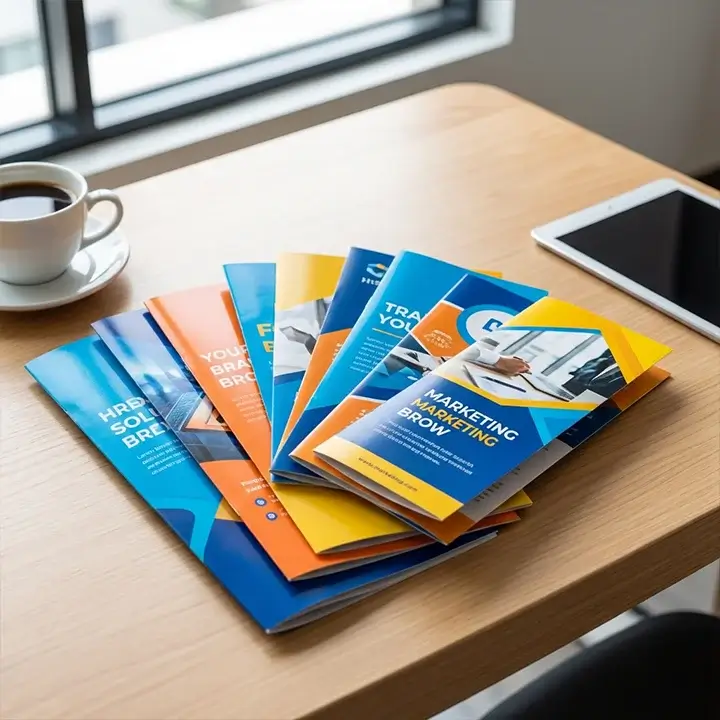
Custom Printed Informational Booklets
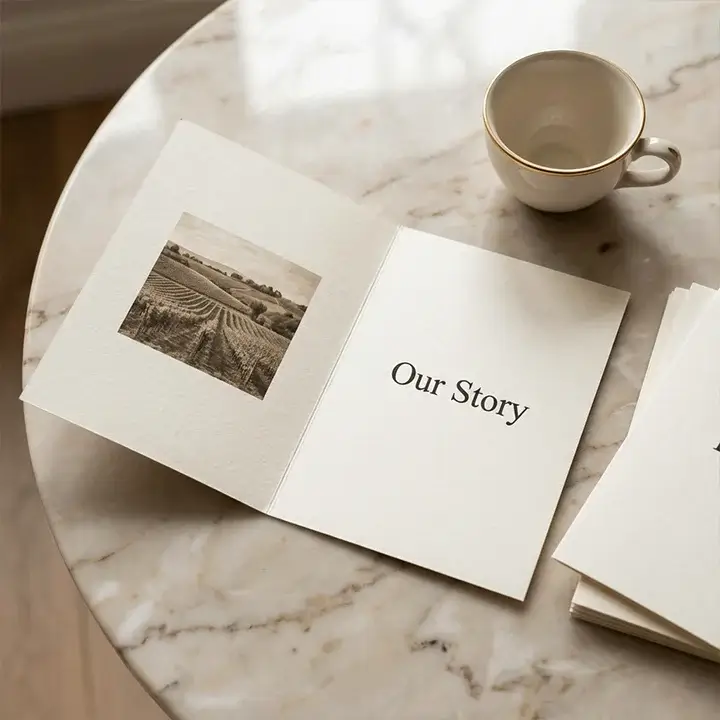
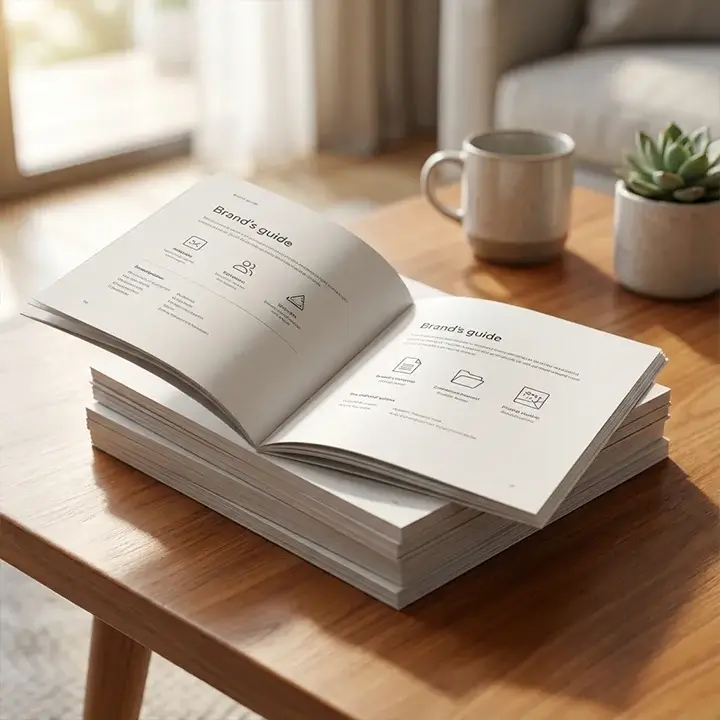
Share technical data, safety guidelines, or your brand story in a clear and manageable way. Our custom informational booklets make complex information easy to understand and give you a professional, hands-on tool that digital screens can't match.
- Free U.S. shipping • 8-10 business days turnaround
- Low Minimums
- 7-day returns
If you require a custom size or design, please specify your requirements in the form below. We will respond with a quote shortly.
| Feature | Specifications |
|---|---|
| Standard Sizes | 5.5" x 8.5", 8.5" x 11", or Custom Sizes |
| Page Counts | 8 pages up to 64 pages (multiples of 4) |
| Ink Profiles | CMYK Full Color, Pantone Spot, or Grayscale |
| Paper Weights | 70lb Text to 100lb Cover Stock |
Why Physical Information Booklets Outperform Digital Manuals
Your customers value having something they can hold and use anytime, even without internet access. After thousands of print jobs, we hear the same thing: people remember more when they read from a physical booklet. No matter if it’s an assembly guide or a compliance manual, the feel of the paper and the clear print show that the information is important.
Precision Binding for Every Purpose
We provide different binding styles because a medical device manual should not look or feel like a marketing brochure. Our saddle-stitch booklets stay fairly flat for easy use, while our perfect bound booklets have a square spine and a polished look that fits well on any office shelf. In busy places like workshops or labs, we’ve found that the reinforced spines last through frequent use.
Paper Stocks Designed for Durability
No one likes an instruction manual that falls apart after just a couple of uses. We use thick, high-gsm paper that feels sturdy and makes a crisp sound when you turn the page. You can choose from the following options:
- Matte Aqueous Coating: Best for readability under harsh overhead lights.
- Gloss UV Finish: Perfect for high-resolution photography and vibrant brand colors.
- Uncoated Offset: Ideal if your customers need to write notes or checklists inside the booklet.
Integrating Documentation with Your Packaging
An informational booklet is just one part of the unboxing experience. For a smooth customer experience, your documents should be safely packed inside the shipping box. Many clients use die-cut inserts to keep their booklets from moving or getting bent during shipping.
If you need to ship fragile parts with your manuals, cell dividers can make a special spot for documents above the product. For simpler needs, some brands add instruction sheets for quick-start guides or include warranty cards as a separate, important insert.
Frequently Asked Questions About Custom Booklets
We’ve answered the most common questions our customers have when turning a digital PDF into a printed product.
View All FAQs →What is the minimum page count for a saddle-stitched booklet?
Booklets are made by folding sheets of paper in half, so the total number of pages must be a multiple of four. The minimum for a saddle-stitched booklet is 8 pages, which uses two folded sheets.
Can I print on the inside of the front and back covers?
Yes, you can. We actually recommend printing on the inside covers to make the most of your space. The inside front and back covers are great spots for troubleshooting tips or contact information, so users see them right away.
Do you offer "Greener" or sustainable paper options?
Yes, we offer recycled post-consumer waste (PCW) paper that keeps colors bright and meets environmental standards. Many brands focused on sustainability choose this option.
What file format should I provide for the best print quality?
Please send a high-resolution PDF with 0.125-inch bleeds. This way, if your design reaches the edge of the page, there won’t be any white borders after trimming.
How do I choose between matte and gloss for technical manuals?
For manuals with lots of text, we recommend a matte finish because it cuts down on glare and makes small fonts easier to read. If your booklet has many photos, gloss will make the images stand out more.
Can you help with the pagination of my document?
Our prepress team will arrange your pages so they appear in the right order after folding. Just send us a single PDF with your pages in order (1, 2, 3, and so on).